Blocks
Learn what start, tour, logic, action and end blocks do and how they connect to form a workflow in Flows.
Overview
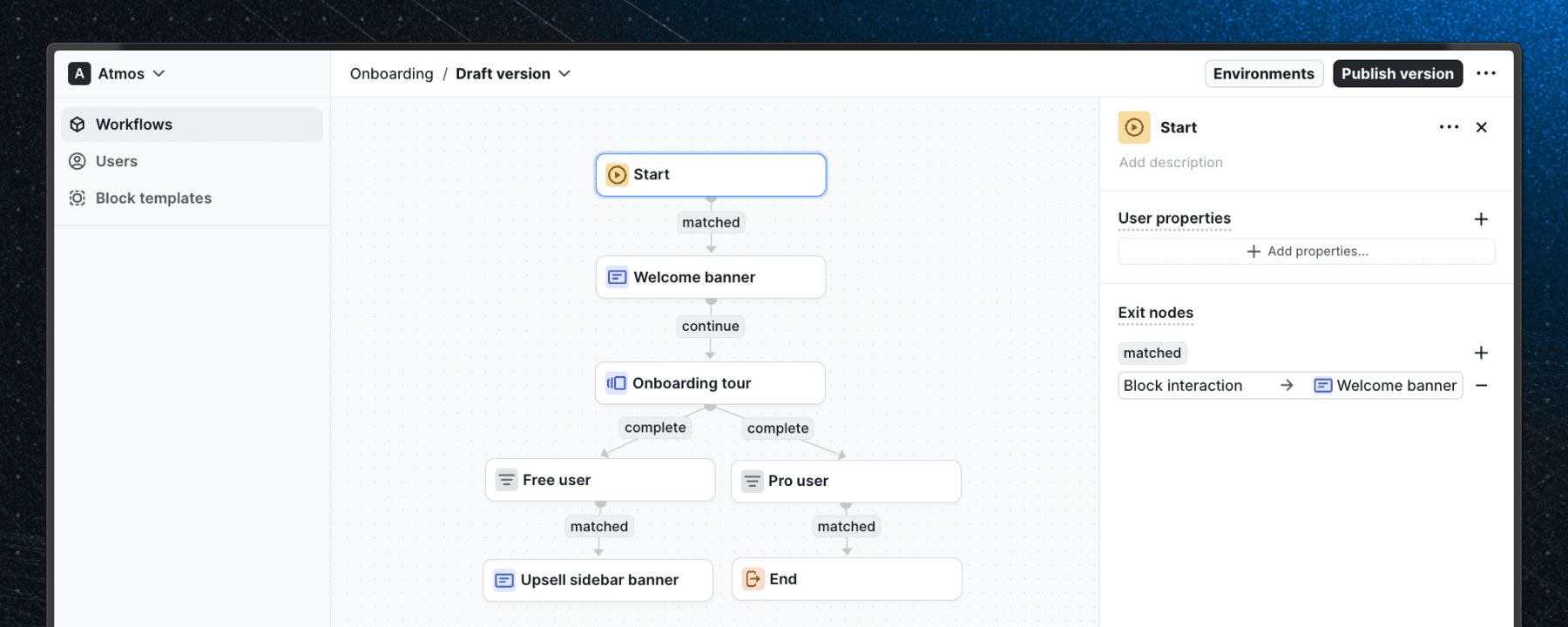
Blocks define the behavior of a workflow. They can represent UI elements, logical steps, or actions. Each block has customizable properties that define its behavior and can be connected to other blocks to form a workflow.
The connections between blocks (paths) determine how users navigate through the process.
Block types
In Flows there are different types of blocks based on their functionality.
Start
The start of every workflow.
Tour
Used to guide users through a series of steps.
Built-in components
Pixel-perfect components for building product adoption.
Custom components
Create and use your own custom components.
Logic
Define branching logic, conditions, and other rules.
Action
Perform actions in response to workflow events.
End
Exits the workflow.
Last updated on