Examples library
Embedded tips
Inline contextual tips to help users learn about product and UI concepts
This example demonstrates how to use Flows to build contextual in-app tips for onboarding users. Each page includes a simple tip designed to help users learn about important product and UI concepts.
When to use
Contextual tips are simple yet highly effective and super flexible. They can be used:
- Throughout the user journey for onboarding, education, announcements, or empty states.
- To teach key concepts contextually, ensuring users know how to use your product and get value from it.
- As entry points to important next steps, facilitating relevant onboarding and education flows.
- To integrate external content like documentation and support at the right time and place, driving a product-led growth (PLG) motion.
- For feature discovery - surfacing capabilities users haven't explored yet, reducing the need for outreach or support.
Why it works
- Progressive disclosure: Tips reveal content incrementally and contextually while users interact with the app
- Seamless integration: Embedded tips feel like a natural part of the UI - unlike floating tooltips, they render inline without interrupting the user.
- Simplicity: Tips are straightforward and often include an option to explore more information
- Ease of implementation: Their simplicity makes them quick and easy to set up.
The embedded tips could be a simple bit of text, a banner, a card with video and links, or a carousel with many images. They can be used individually, or since they’re embedded, they can be combined with checklists and as a part of a multi-step workflow.
How Flows renders embedded tips
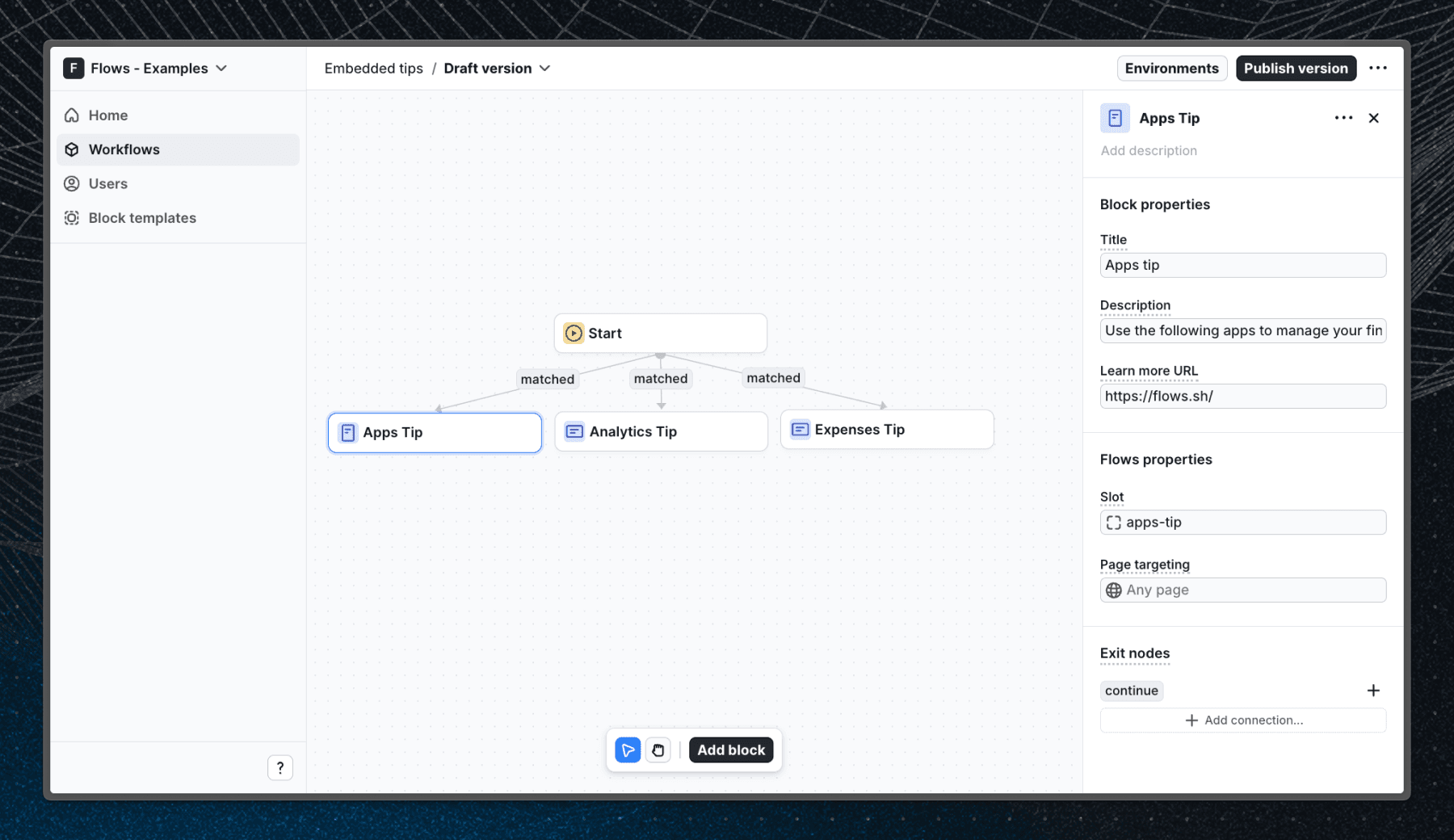
When a user enters the workflow and visits one of the pages with FlowsSlot components, an inline tip will appear to help them learn about the features on the page. Each tip uses a custom component to render the content.
Below is a screenshot of how the workflow is set up:
Getting started
- Sign up for Flows if you haven’t already. You can create a free account here.
- Clone the repository from GitHub and install the required dependencies in the project directory.
- Add your organization ID in the providers.tsx file.
- Create three components based on the components found in src/components/flows
- Recreate the workflow in your organization and publish it.
- Run the development server with pnpm dev.
Learn more
To learn more about Flows take a look at the following resources:
Explore more examples
Hint
Self-guided contextual hints that help with feature discovery and education.


New feature card
Announce new features or updates with a card that shows up in your app’s sidebar.


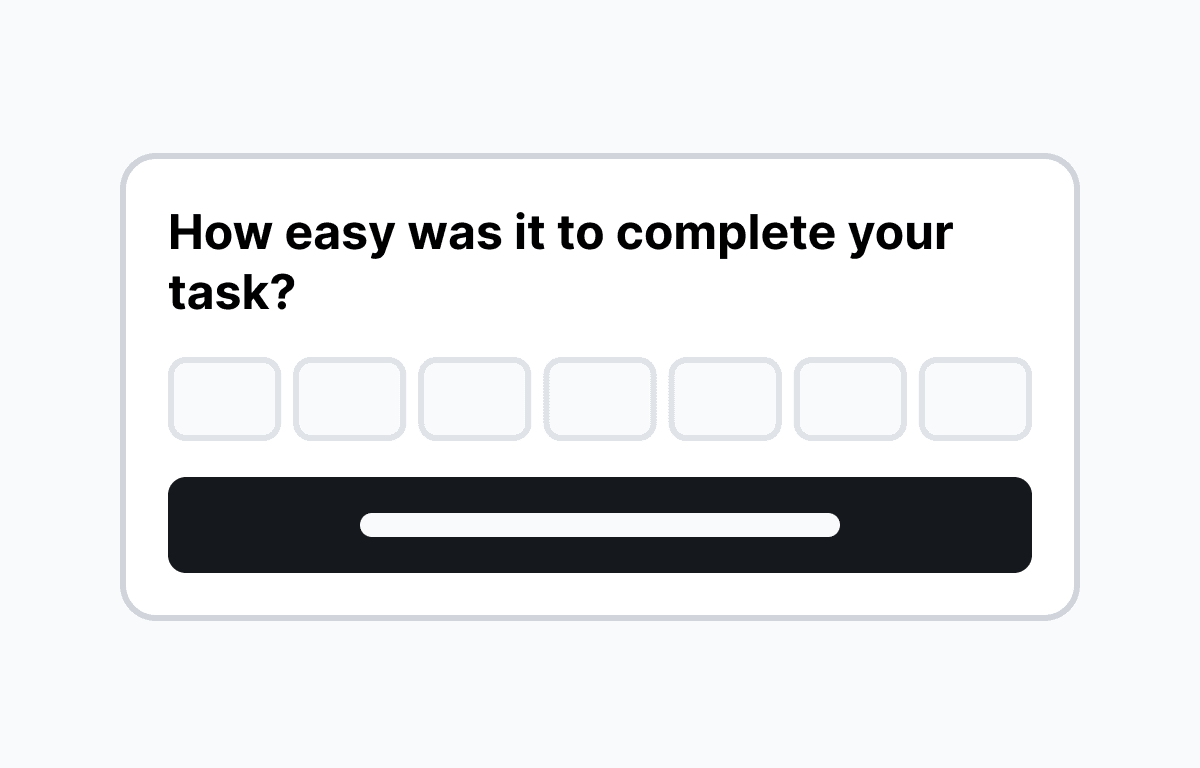
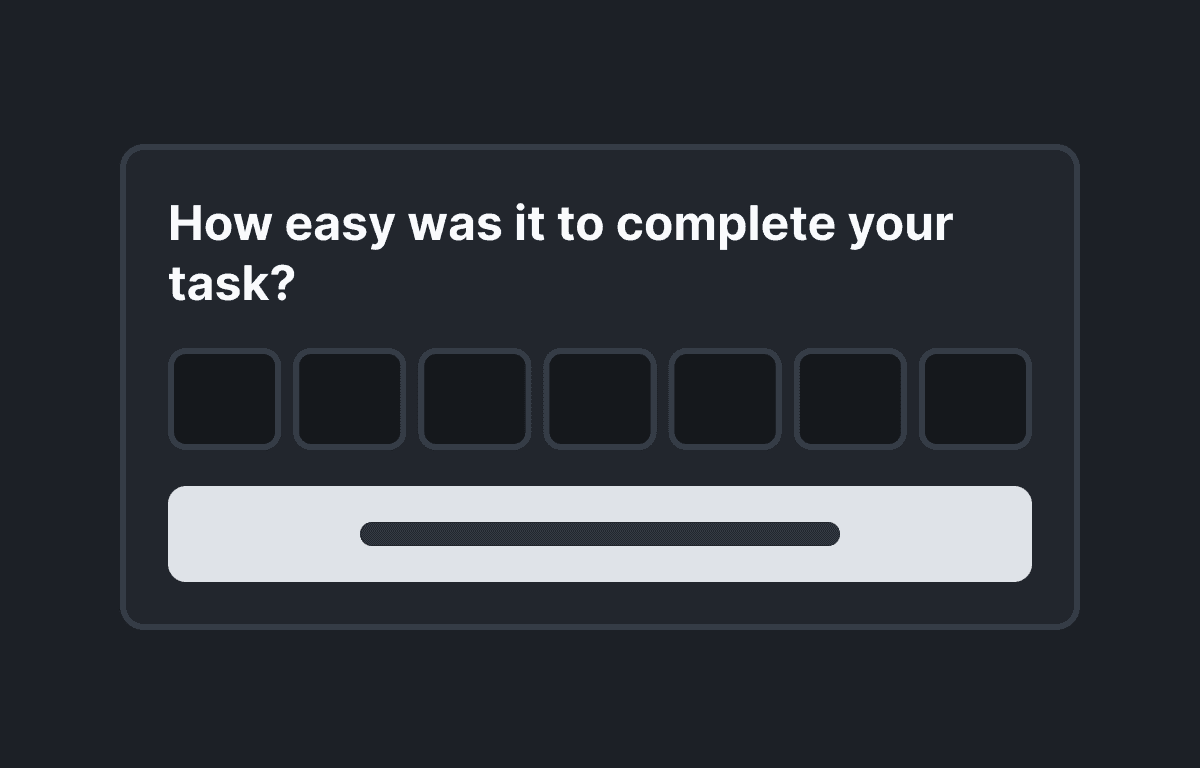
Customer Effort Score (CES) survey
Collect Customer Effort Score feedback in your React app with a non-intrusive survey popover.
Build anything with Flows
Build the product adoption experiences you've always wanted.